+48 22 104 20 98
Client
Leave Management is an internal web application tailored to the specific needs of Elinext. The previous version of Leave Manager was active until 2021 and became outdated, so the company decided to develop a new version.
Project Description
Elinext, a custom software development company, has been in the market for over 25 years, and during this time our workforce has expanded to over 700 employees.
Managing vacations, sick leave, and days off in such a sizable company is essential. For an extended period, we relied on an outdated service with subpar UI realization, which proved difficult and non-intuitive for the team.
In response, in 2021 the company made the pivotal decision to revamp the existing solution and launch an entirely new product. A dedicated team of UI/UX designers, developers, business analysts, and QA engineers collaborated on this project, and we continue to actively support and enhance the product.
As the company is now an alliance of international affiliates, it was impossible to operate across multiple jurisdictions with an old solution built on an outdated tech stack.
Challenges
Leave Manager had to be an all-encompassing solution designed to streamline vacation and sick leave management within the company. The service needed to cover regular employees, resource managers, and HR specialists.
- Employees should be able to effortlessly monitor their accrued vacation days, request time off, report sick leaves, and view upcoming absences of colleagues.
- Resource managers should have an opportunity to easily engage with various employees and teams, ensuring they stay updated on their team's plans.
- Employees should have time to familiarize themselves with the updated application because the redesign was radical and effectively introduced a new version of the app.
- The team needed to get feedback on user interactions with the system, act on identified issues, and propose improvements.
Process
It was important for the development team to assess hypotheses about user interaction, examine the user experience, identify issues, and understand what should be improved to make working with the service more enjoyable and straightforward.
To achieve this, the team integrated three analytics tools into the system: Google Analytics, Mixpanel, and Hotjar.
The team used Hotjar session recordings and heat maps to study system interaction. After reviewing around 500 screen recordings, the team identified key interaction scenarios with the application.
During development, the team implemented minimal adaptability for mobile devices. Reviewing recordings showed that this was insufficient and that the application should be optimized for mobile devices, at least for the areas used by regular employees.
This is especially important for sick leave requests because if someone wakes up with a fever in the morning, they are unlikely to use a desktop device to submit a request. They would prefer to use a smartphone or a tablet.
Solution
There are seven different roles in the system, many of which are similar and have comparable functions. The team identified three roles that are most commonly used within the system, plus an admin role for configuration.
Company employee
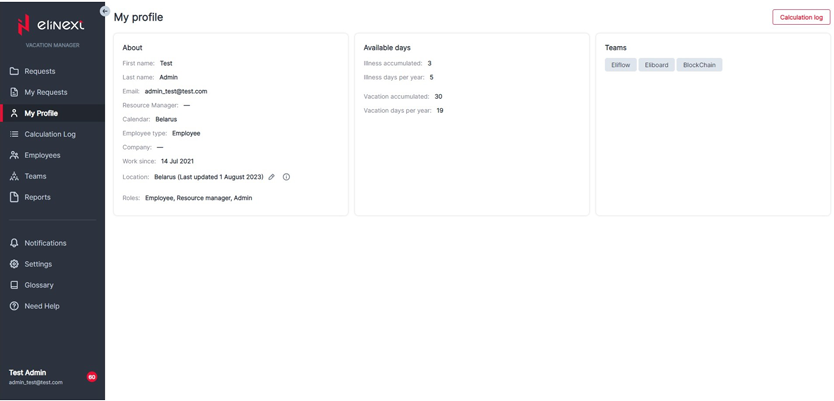
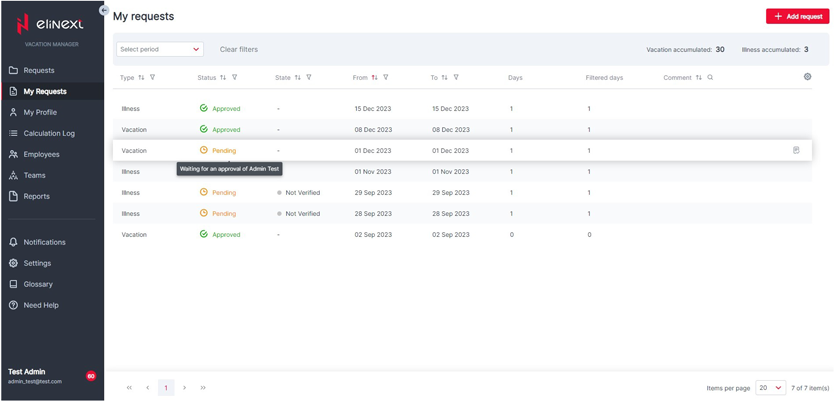
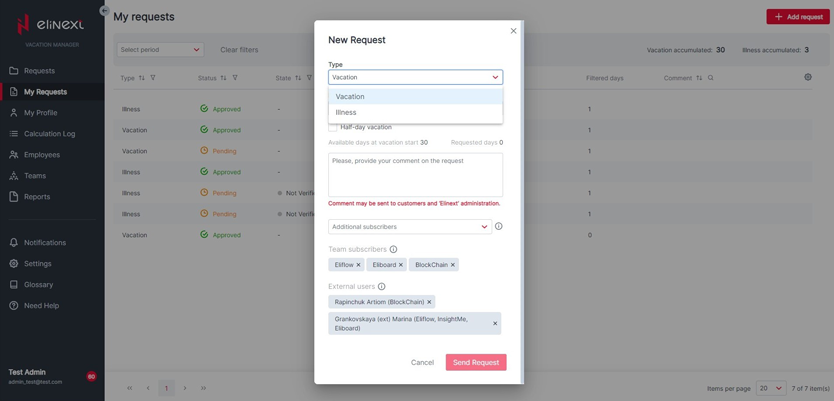
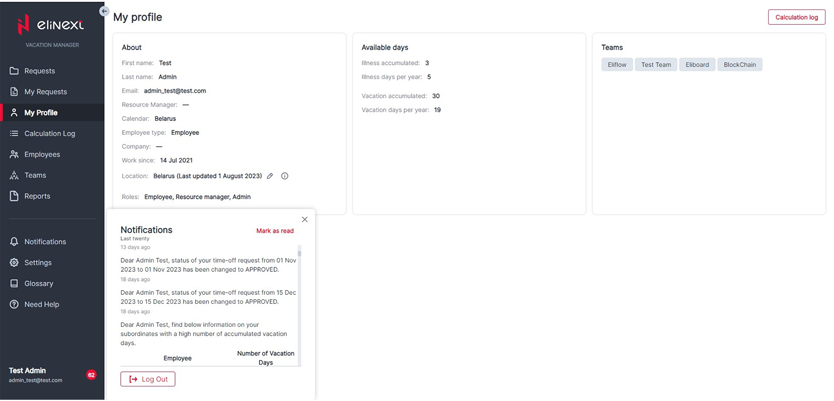
Can submit vacation and sick leave requests, view the calculation log and profile, and see requests from teammates.
Project manager
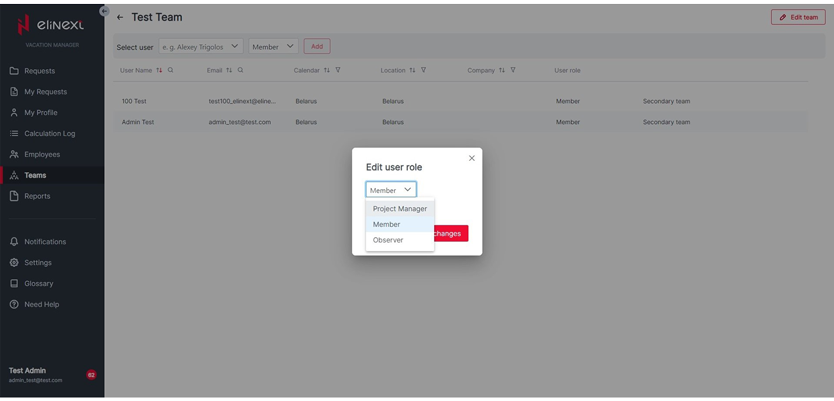
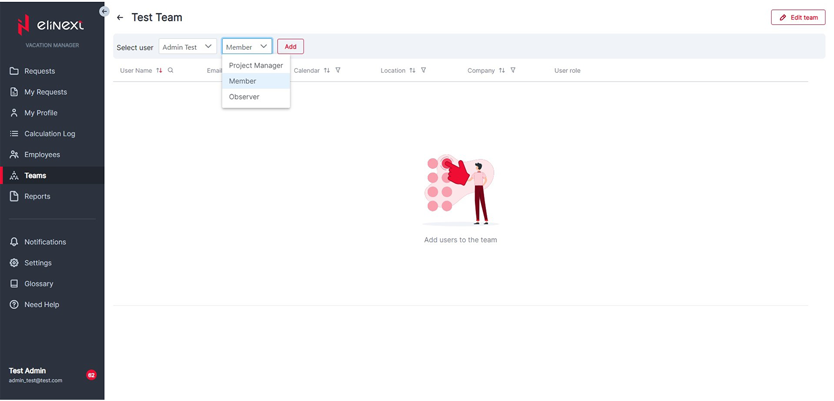
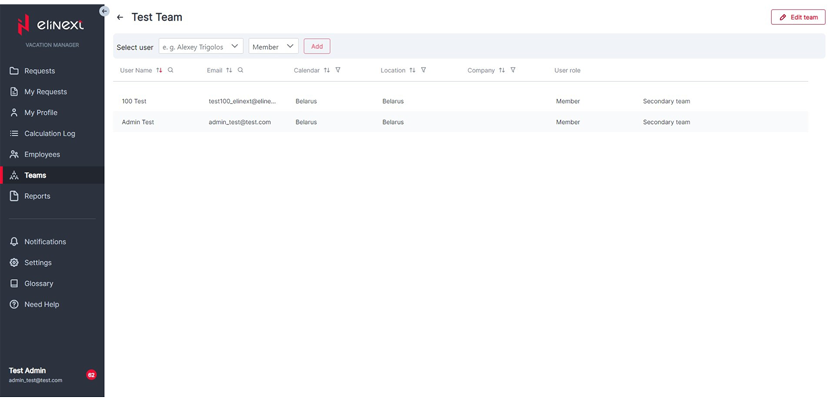
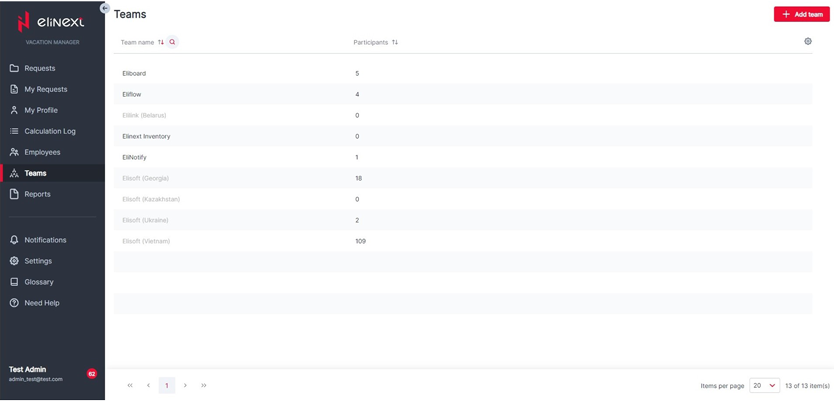
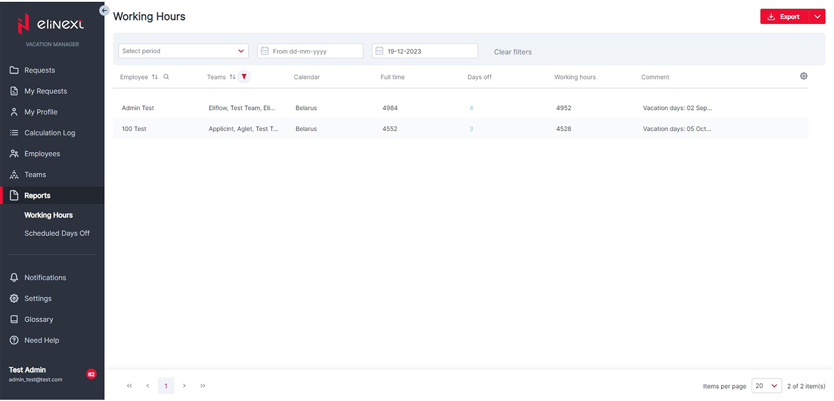
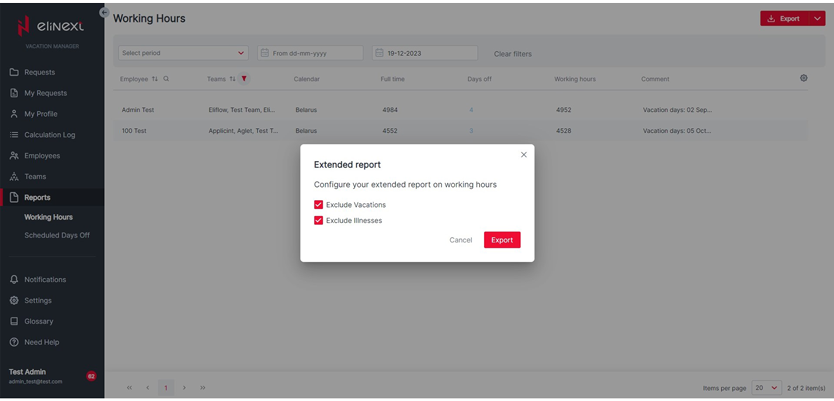
Can add requests for teammates, process team member requests, export requests, generate working-hours reports, and manage teams.
Resource manager
Has employee and project manager permissions, plus the ability to manage the locations of subordinates across departments.
Admin
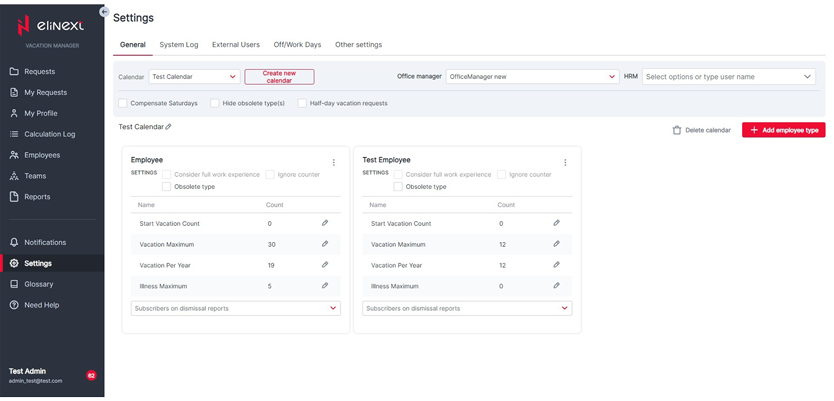
Can fine-tune the application to team business requirements and has access to virtually all app functions.
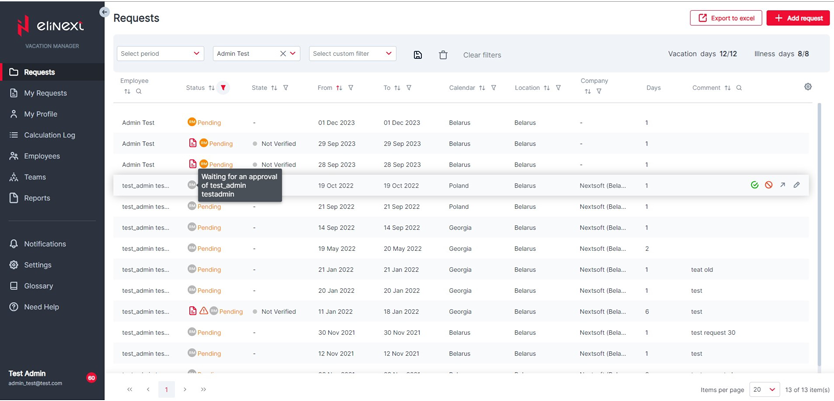
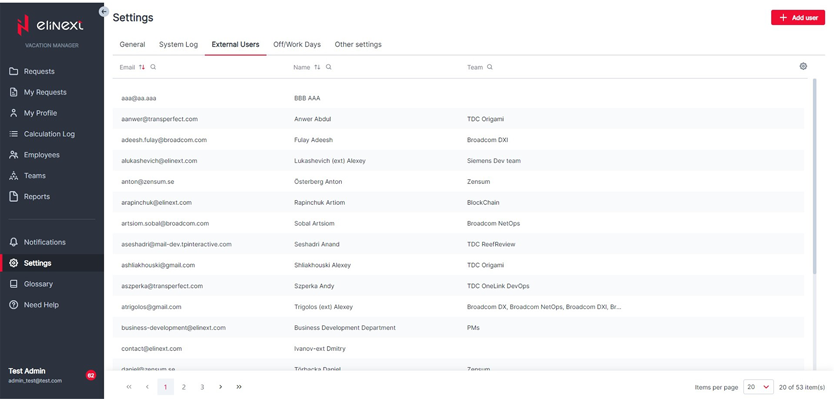
Certain modules are available to all seven types of users, including My Profile and My Requests. Managing Requests of Employees is available to project managers, resource managers, and administrators.
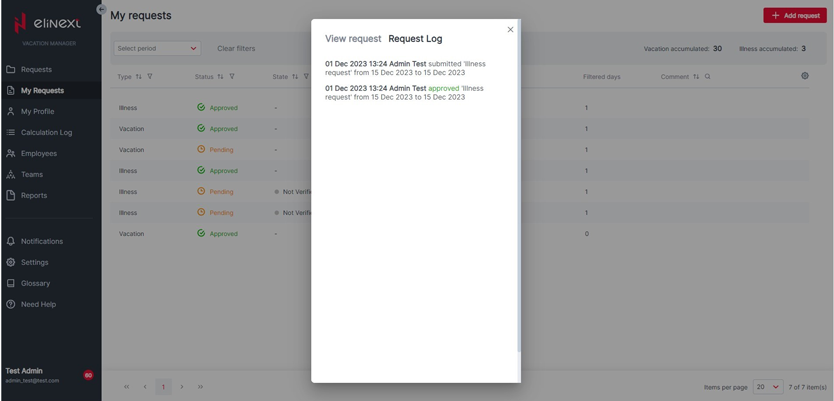
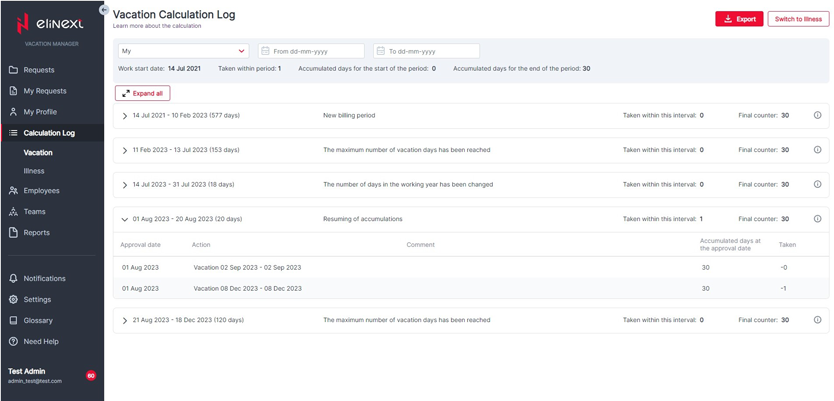
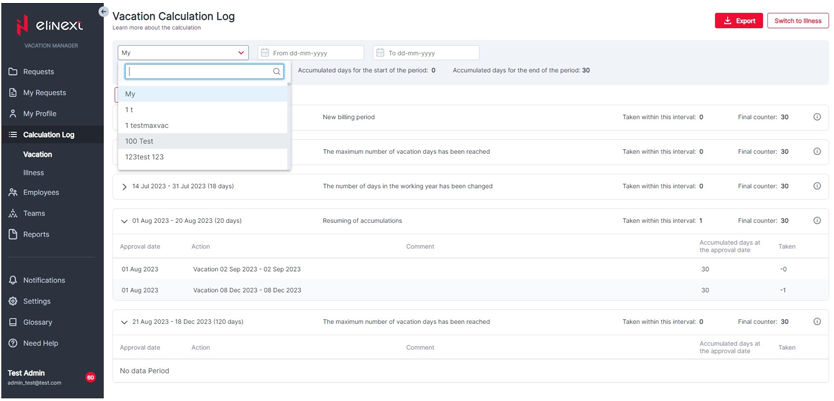
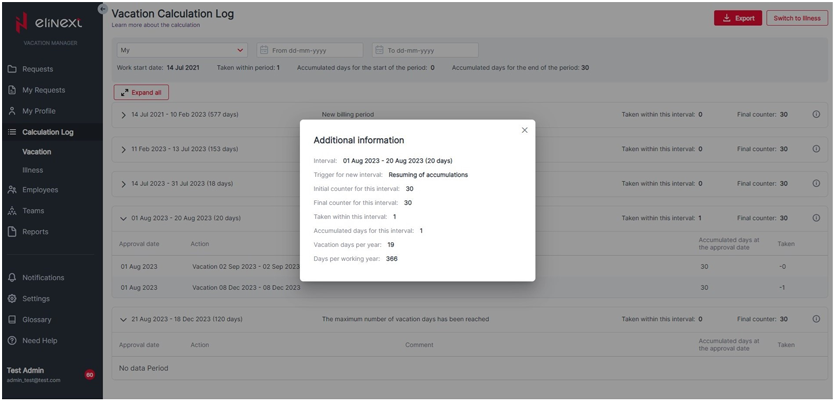
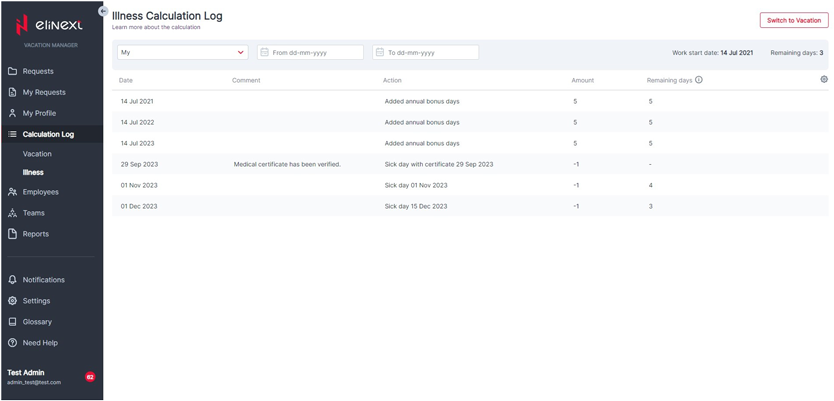
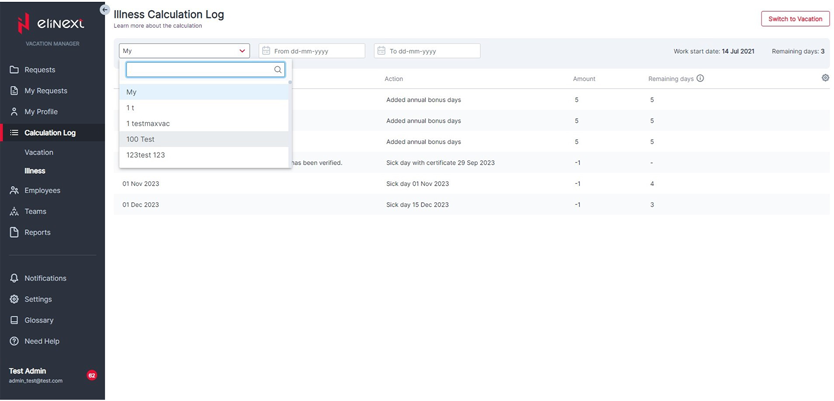
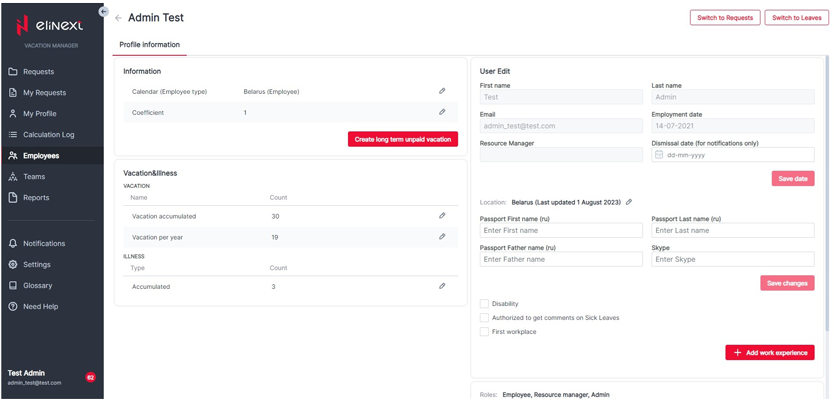
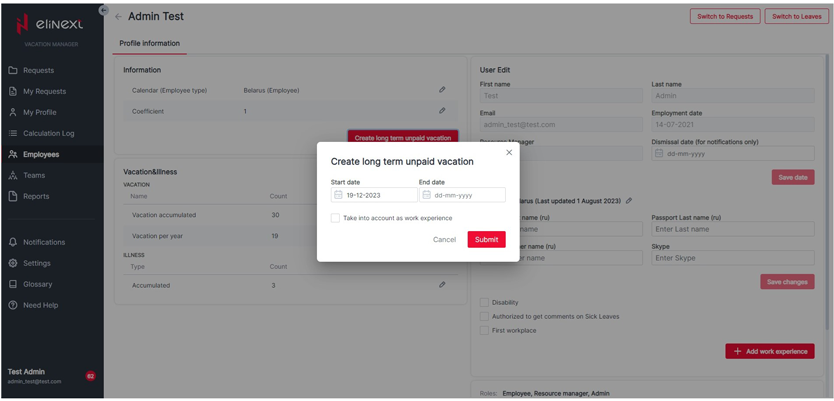
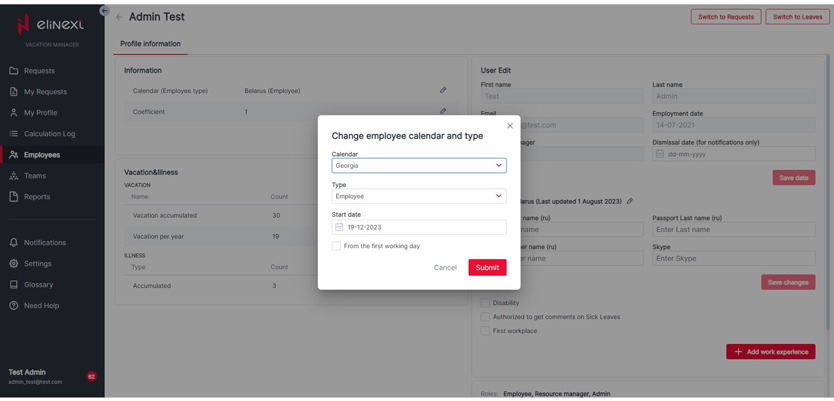
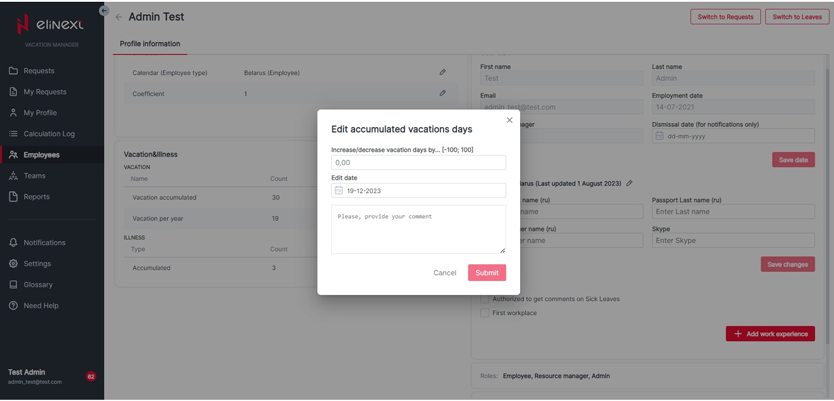
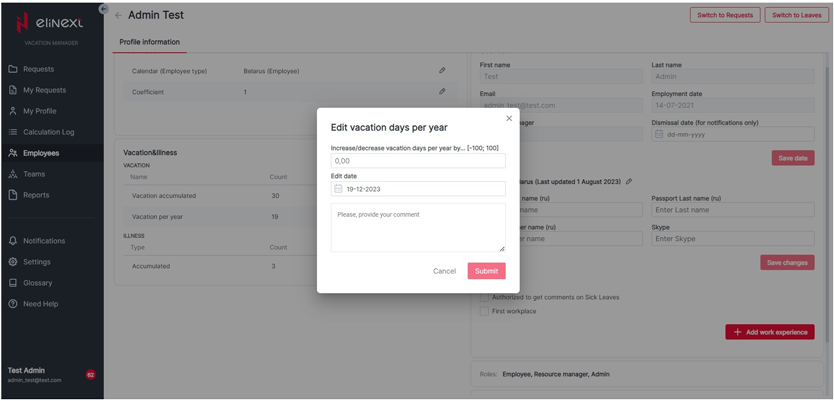
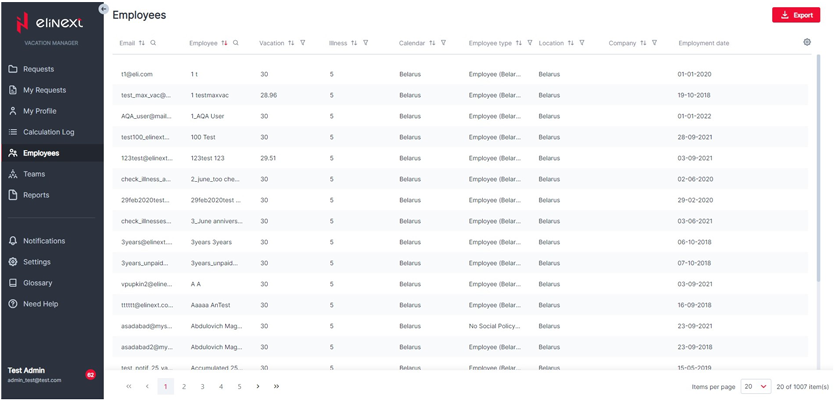
The View Calculation Log (Vacation/Illness) module is available to everyone, while resource managers have access to other people's data. Manage Profiles of Employees allows viewing employee lists, editing profiles, relocating employees by territory, creating unpaid periods, and updating counters and locations.
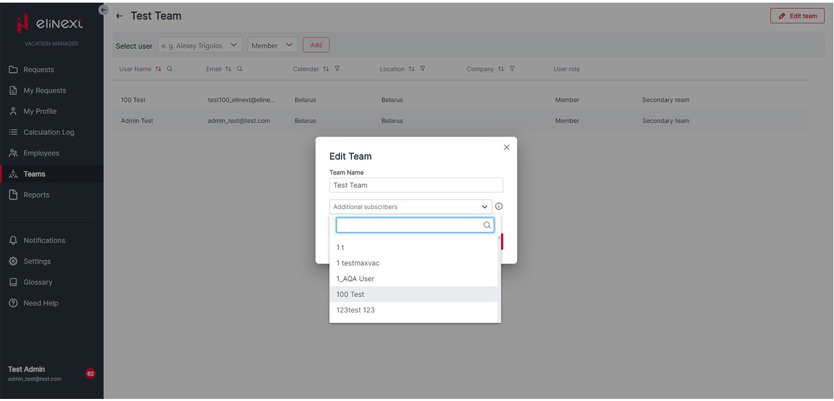
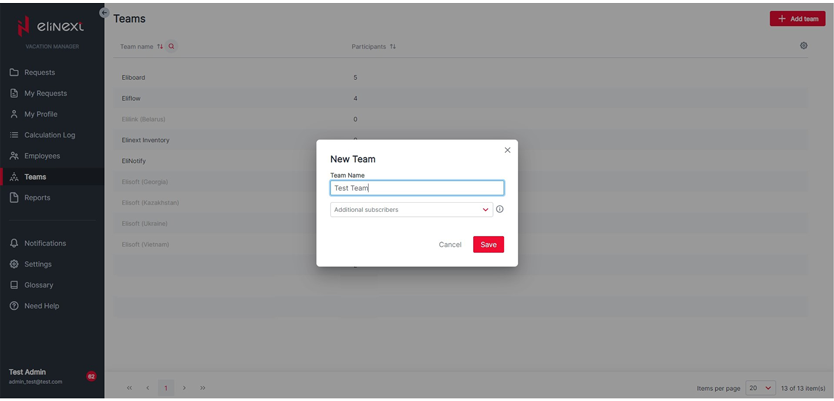
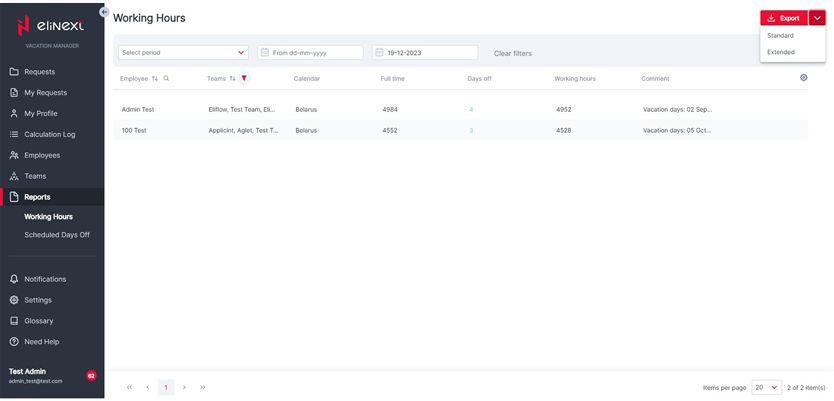
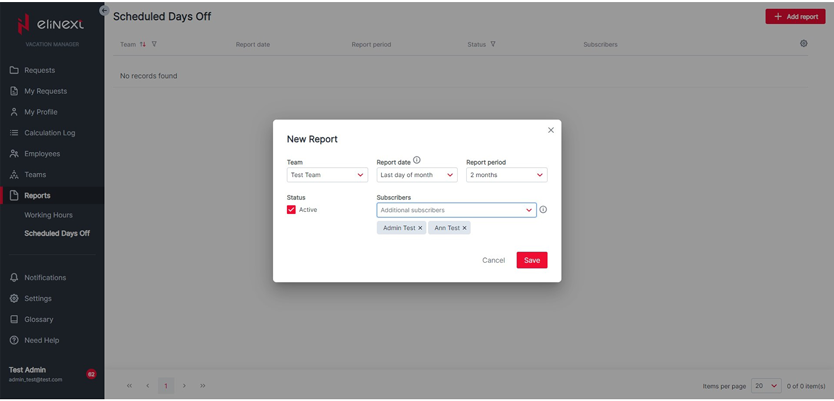
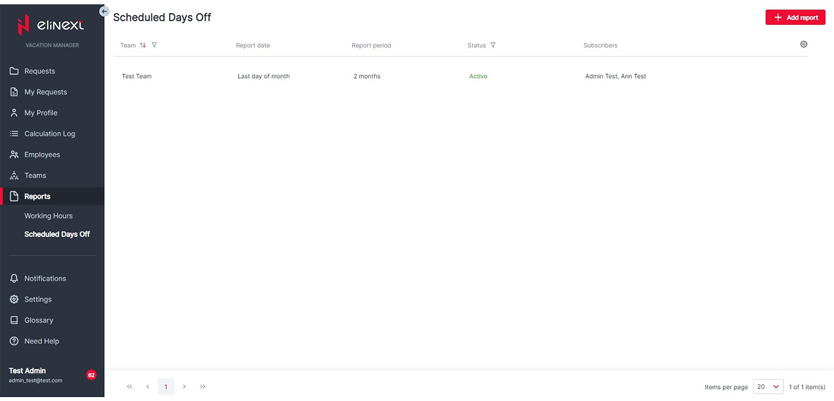
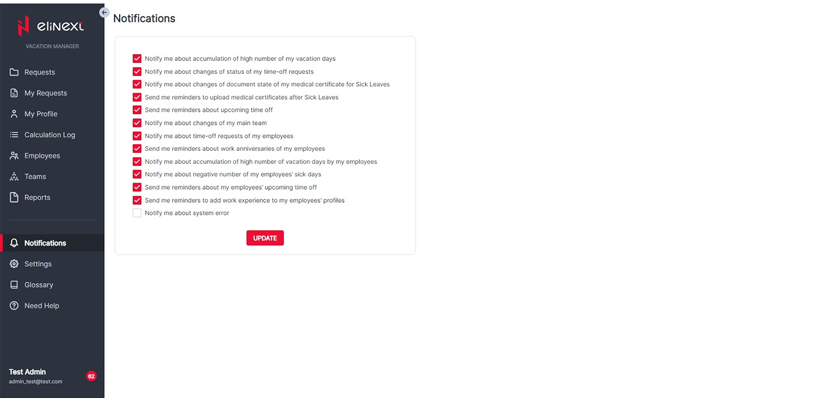
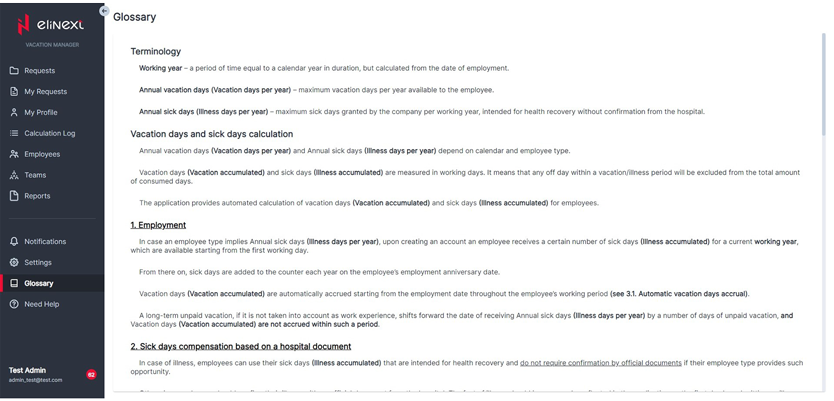
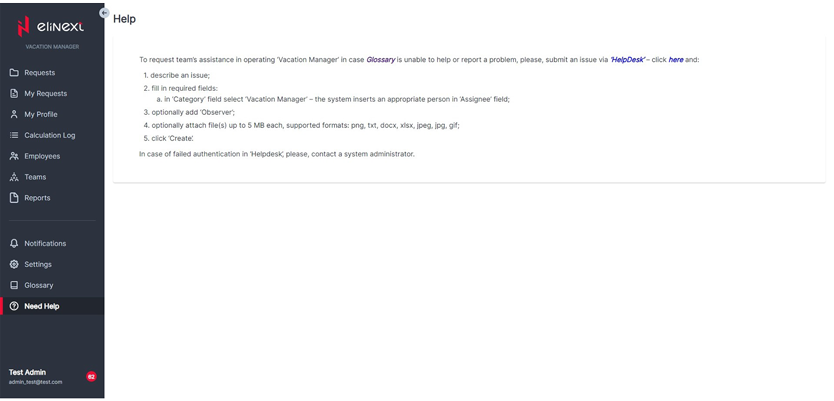
Reports allow managers to report on working hours and approved days off. Manage Teams lets managers view, add, and edit teams and team participants. Notifications are available for all user types, along with supplementary modules for requesting help and viewing the glossary.
The system consists of these core and supplementary modules:
- My Profile
- My Requests
- Managing Requests of Employees
- View Calculation Log (Vacation/Illness)
- Manage Profiles of Employees
- Reports
- Manage Teams
- Notifications
- Help and glossary
Results
The system is widely used within the company. Reports indicated that it is actively used on weekdays and is practically unused during weekends.
- Daily useAbout 40 people use the system per day on average.
- Session timeThe average interaction time is around 7 minutes.
- Main locationsThe most common locations are Poland, Vietnam, and Georgia.
- Device splitEmployees mainly use the web version, with less than 4% of usage on mobile devices.
The development team studied user behavior for this product. The findings are summarized in the next section.
More Details on the Use Case of the App
After reviewing Hotjar recordings, the team identified the main user scenarios for users with different roles.
- Ordinary employees spend the least amount of time in the system and mainly use the Requests and My Requests pages.
- Employees occasionally access their profile and calculation log to review vacation accruals and available days.
- Most often, an employee logs in, submits a day-off or sick-leave request, and logs out in less than two minutes.
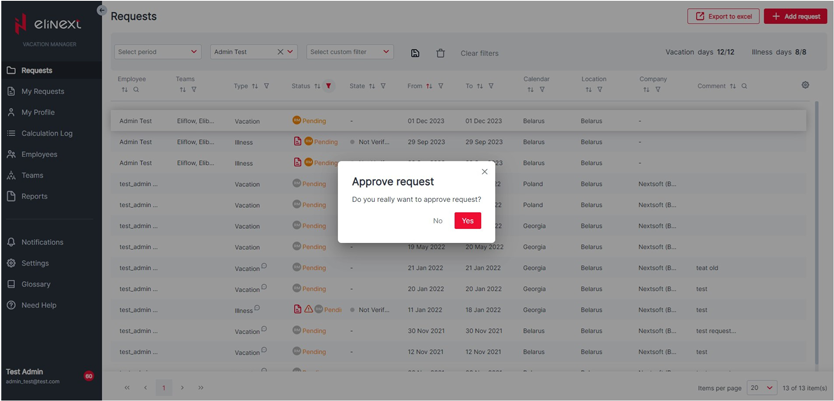
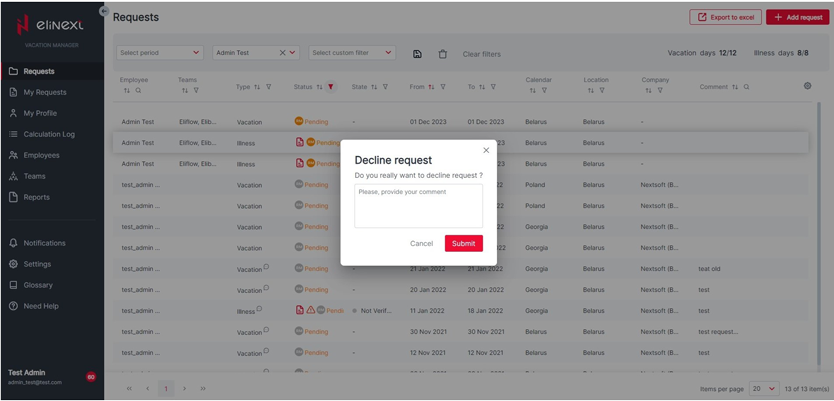
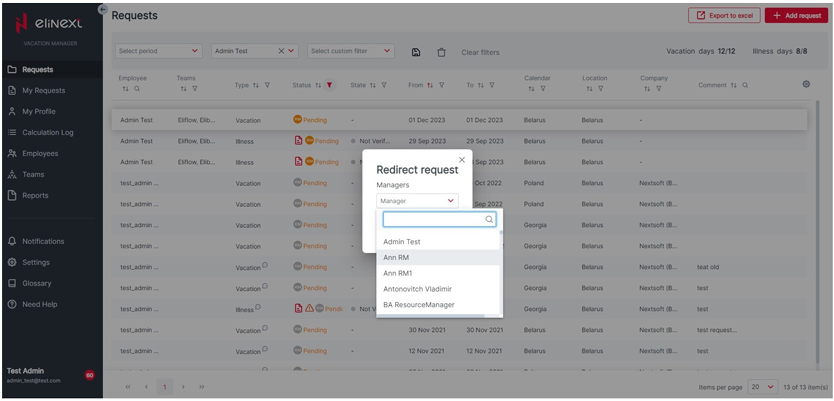
- Project managers and resource managers spend more time in the system, checking notifications, processing requests, and submitting requests for themselves or others.
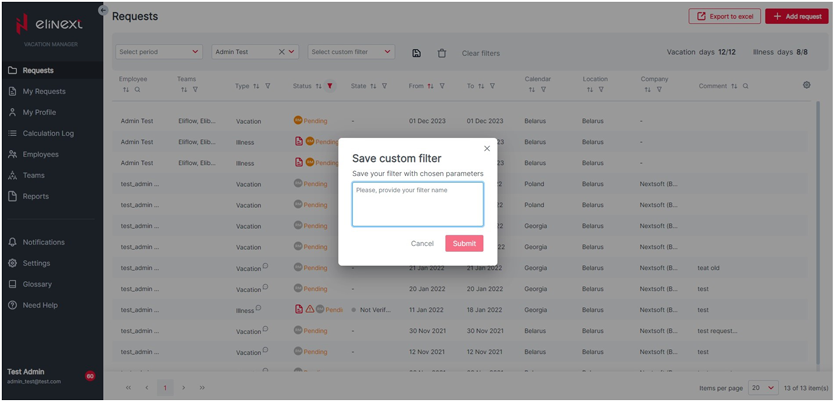
- Managers often use filters and table sorting, while column settings and table display options are rarely used.
- The research confirmed the team's interaction hypotheses and did not reveal significant usability problems.
- The remaining area for improvement is mobile adaptability, and the development team has already started working on it.