+48 22 104 20 98
Client
This is an internal project for our company Elinext, a custom software development company.
This internal project, alongside almost 20 other solutions, was developed for internal use and is part of the ecosystem that simplifies the everyday life of employees.
The basis of the software will most likely be used to speed up the development of a related custom product for our clients.
Oftentimes, new customers at Elinext save a significant amount of money and effort by choosing a customized version of a product that already exists and is being used within our company.
Project Description
Inventory management software is an asset management product, a web application for recording and tracking equipment items and licenses within the company.
The solution provides a wide variety of possibilities that depend on a user's role.
Through the intuitive interface, one should be able to easily:
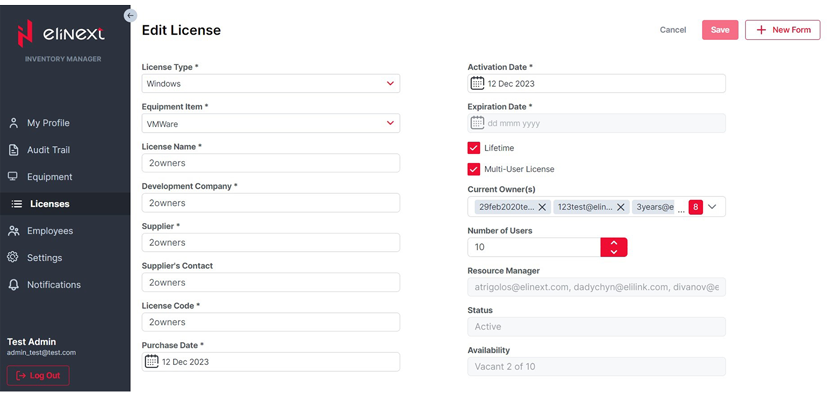
- record newly purchased equipment items and licenses of various types
- manage equipment types and inventories within the company
- assign equipment items and licenses to employees
- manage the equipment and license database and keep it up to date
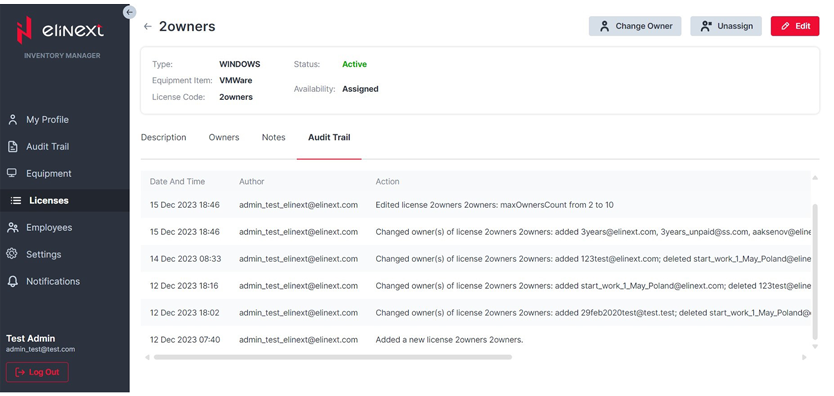
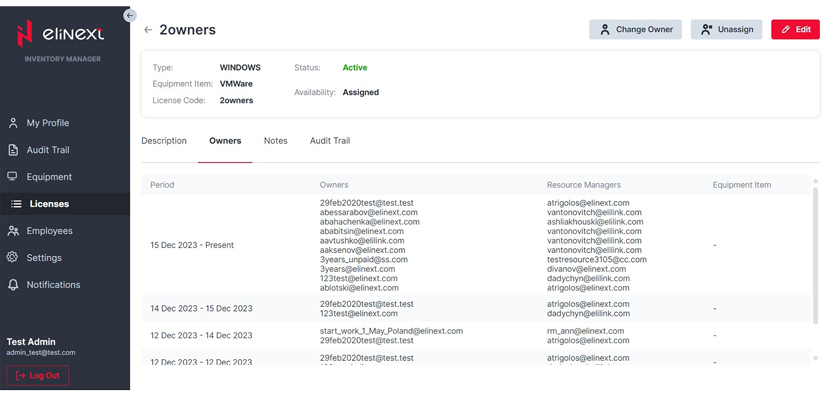
- track the history of all events in the application and the ownership history of items and licenses
- control assets assigned to employees
- track personal equipment items and licenses
- exchange certain items between colleagues
- manage notification types sent by the application
- receive email notifications about relevant application events
As Elinext was using an outdated version of the software that could not fulfill most of these functions, we decided it was time to come up with a new asset management system for internal use.
Challenges
The software version previously used for the company's needs faced several problems, some of which were connected with outdated solutions:
- low overall performance
- low operating speed
- difficulties with database access
- separate accounts application usage, which increased company expenditures because those accounts had to be monitored and supported
As the company grew, it became more obvious that a modern solution was needed. Taking into account the current business state and potential perspectives, Elinext's C-level manager set the following objectives:
- gain an owned, safe, and up-to-date asset management tool
- ensure high performance
- automate workflows by integrating with the company's Identity Server and shared account base
- obtain a modern UI aligned with the company's design system
Process
For this project, the team chose an Agile hybrid model that combined Kanban and Scrum. This was the right fit because the development team also had third-party workloads on commercial projects.
The chosen strategy helped complete the project stages within the established time frame. The team analyzed previous asset management applications used by the company and examined business needs to understand the key points.
Experience with similar solutions helped the team suggest and implement exactly what was needed. Development started by defining the most critical MVP functionality, followed by several releases with an extended list of features.
The team migrated data from the previous application and another external database without interrupting operations. Developing a high number of dependencies was another challenge that had to be handled safely for business workflows.
Employees of the company were the system users. There are about 700 of them, and because of the different roles across the company, the team had to understand and implement needs from multiple user groups.
Solution
The end product is a web client-server application with role-based access. Application functionality varies depending on a user's company role and application role.
Here are two of the user roles used in the web app:
User
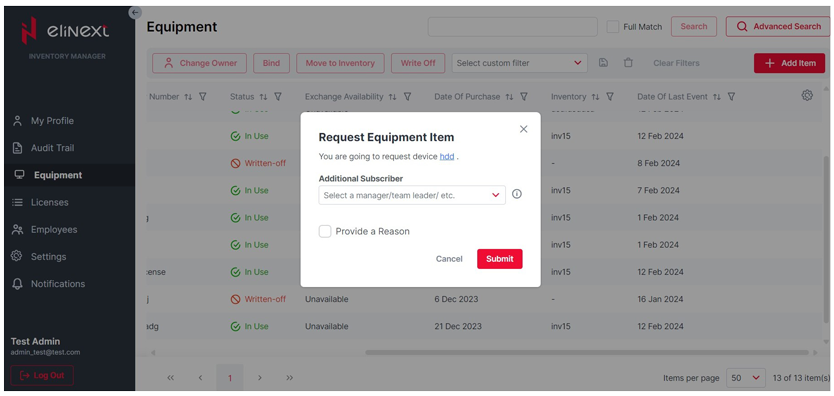
A default user has restricted access to basic features: viewing their own profile with equipment and licenses, requesting items, processing submitted and received requests, and managing notification types.
Administrator
The administrator is responsible for the overall application and has full control over asset management across employees, equipment, licenses, inventories, requests, and audit records.
There are a dozen different modules that provide web application functionality.
Module 1: My Profile
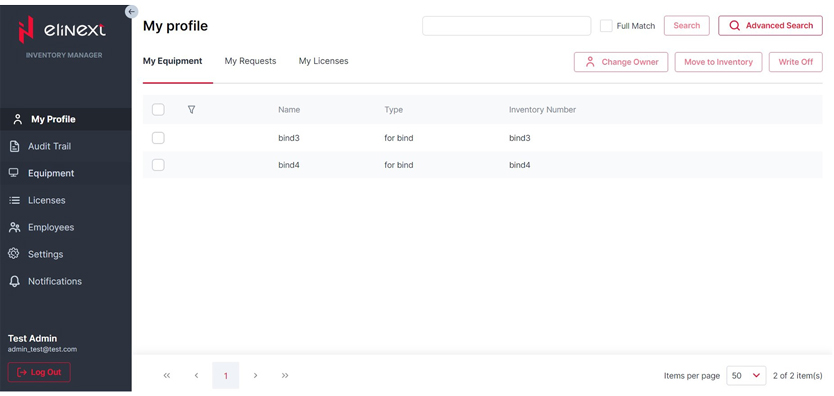
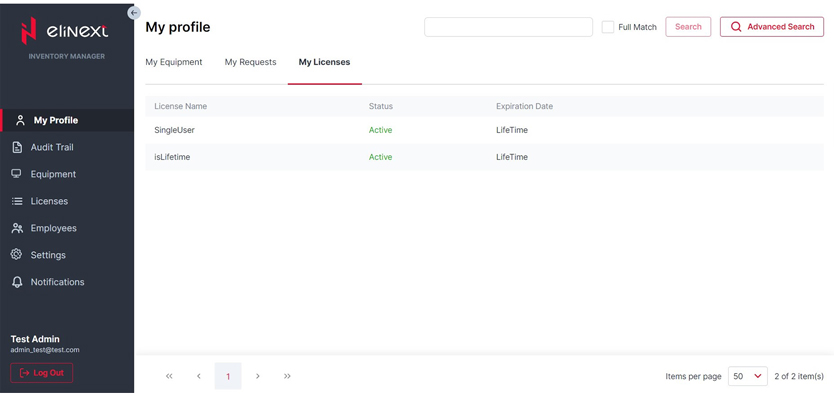
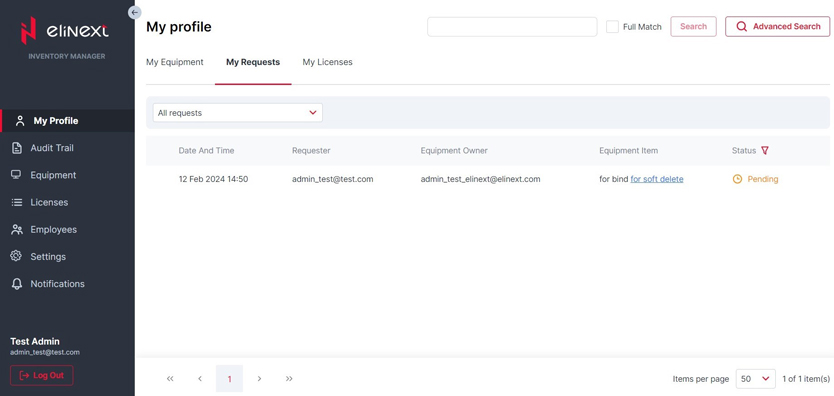
Users can view their equipment list, process requests, and view licenses. Requests can be filtered by status, such as fulfilled or unfulfilled, and by type, such as incoming or outgoing.
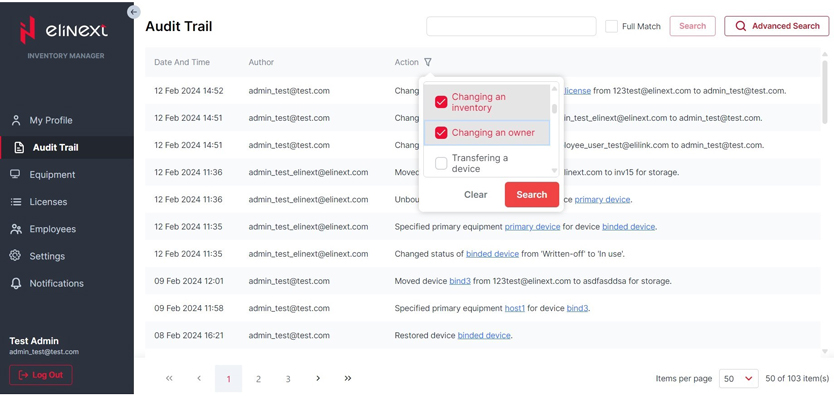
Module 2: Audit Trail
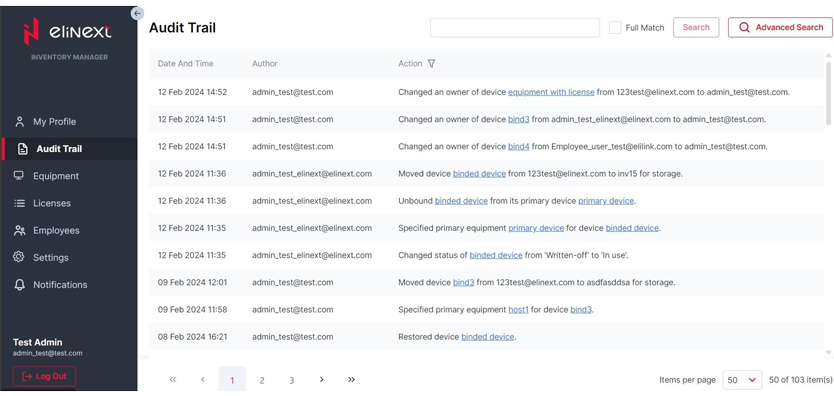
This module lets users view and filter logs. The company has full log history in the application, and users can open items or licenses and restore them if they are soft-deleted.
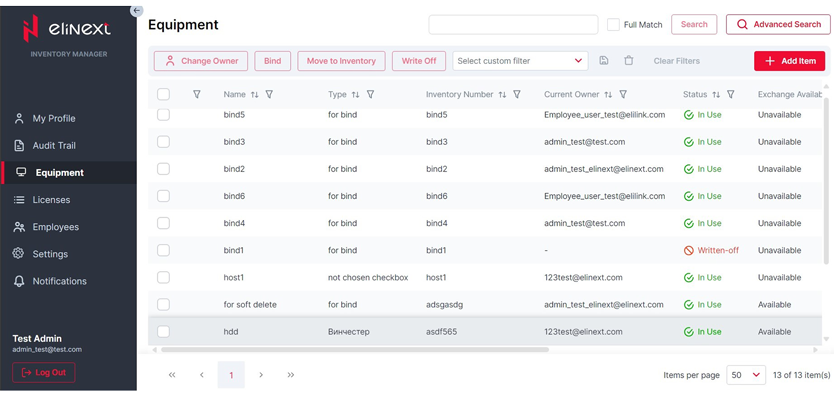
Module 3: Equipment list
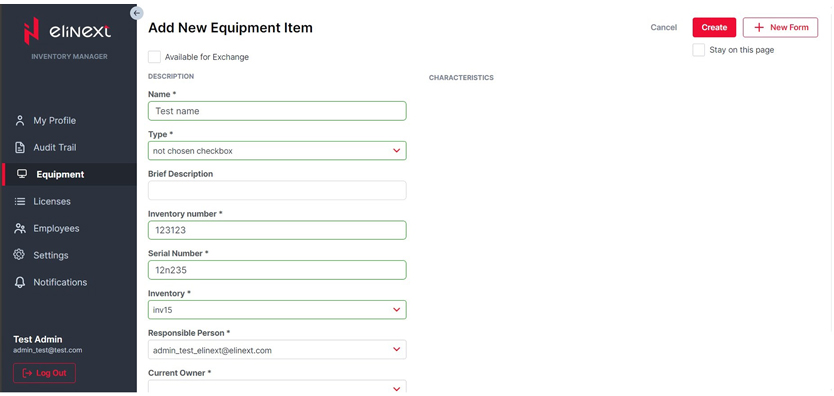
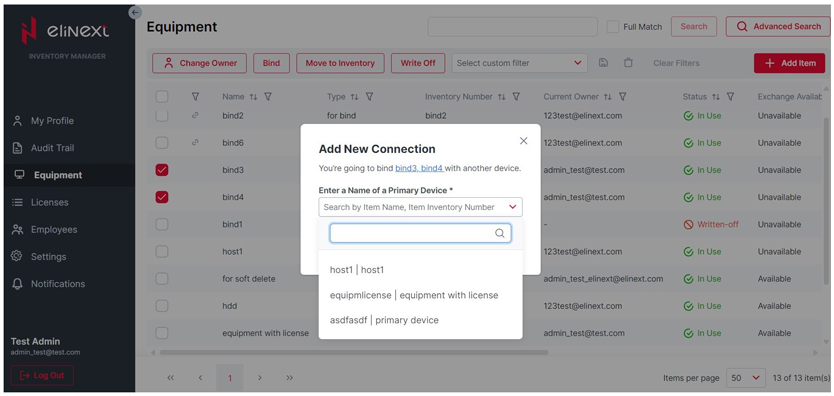
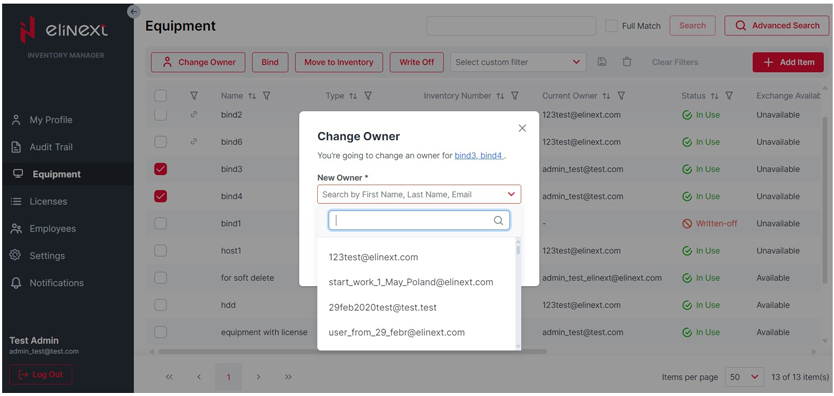
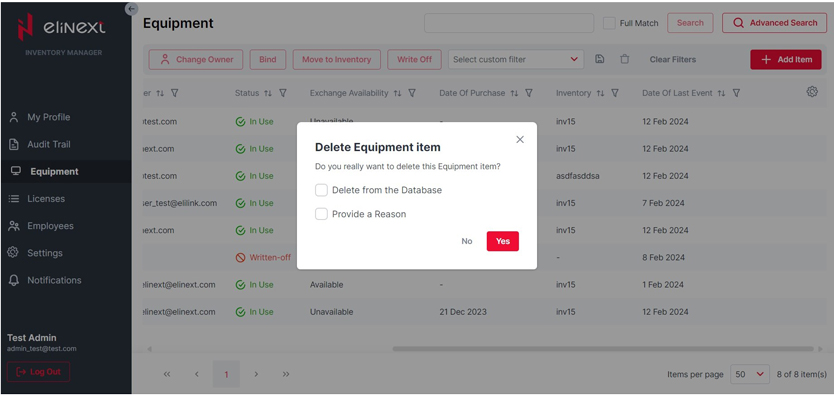
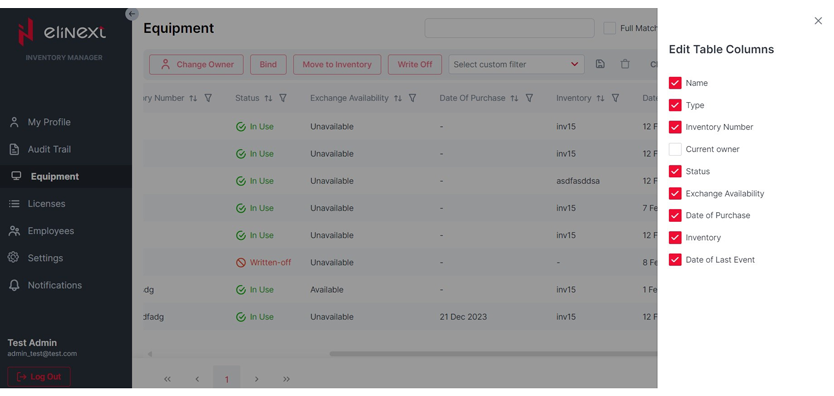
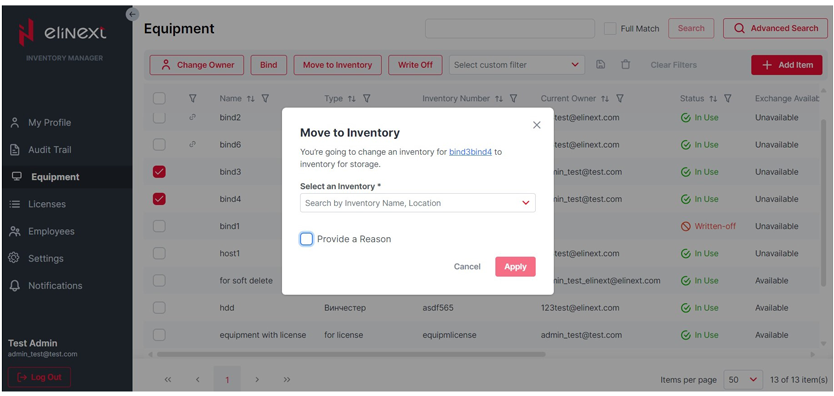
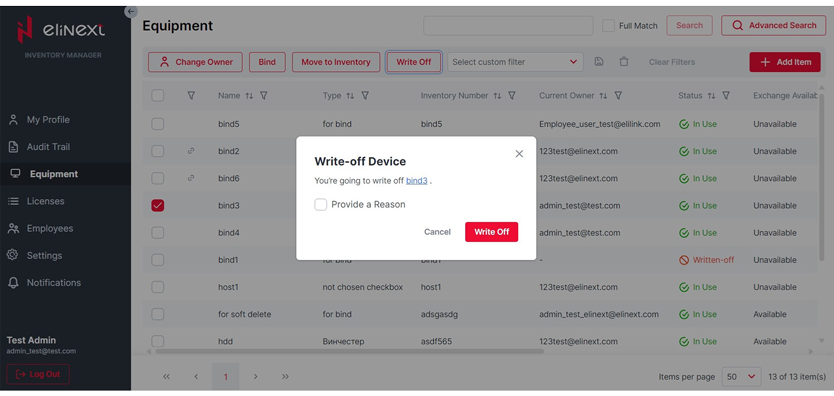
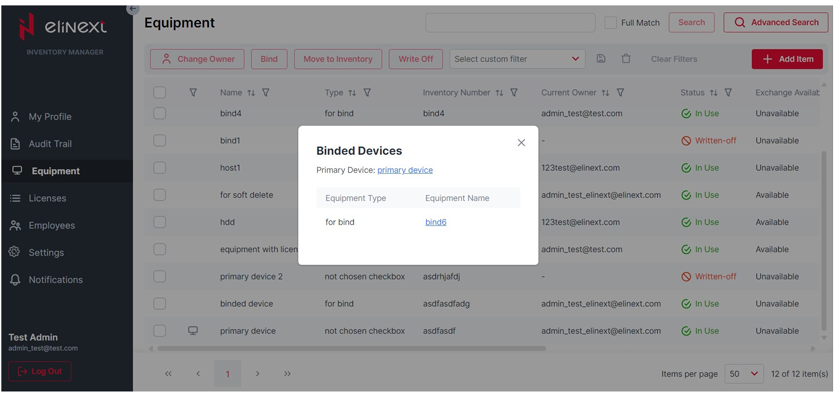
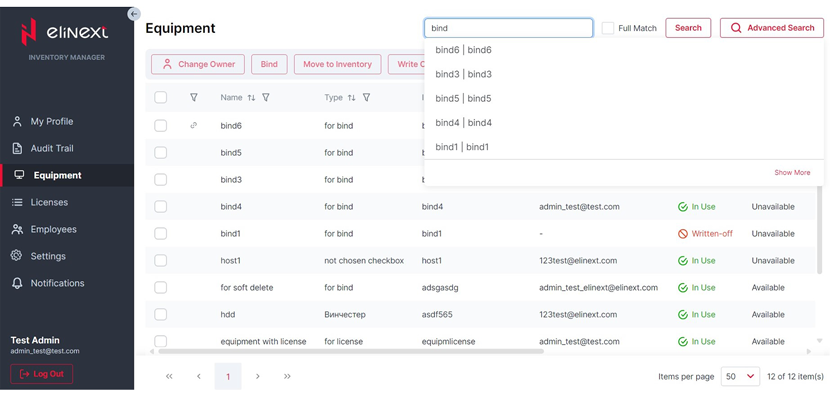
Users can view equipment items and adjust displayed table data. Items can be added, edited, made available for exchange, written off, soft-deleted, hard-deleted, bound to other items, moved to inventory, and reassigned to another owner.
Module 4: Equipment item
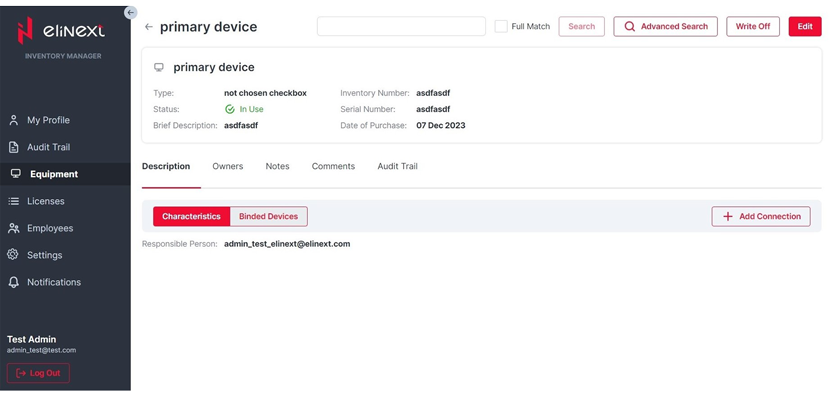
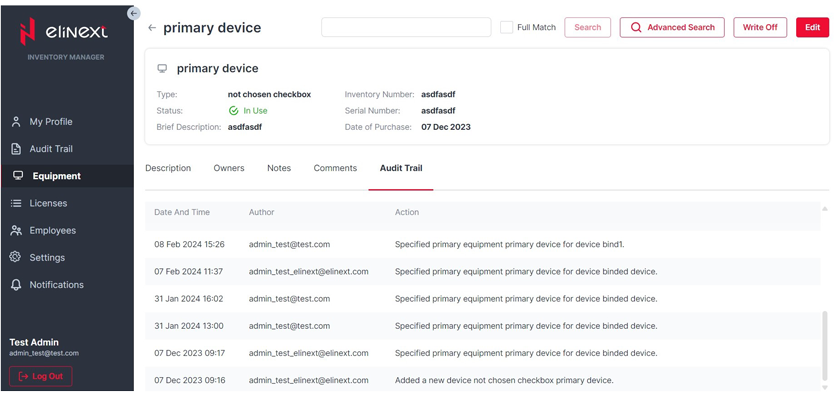
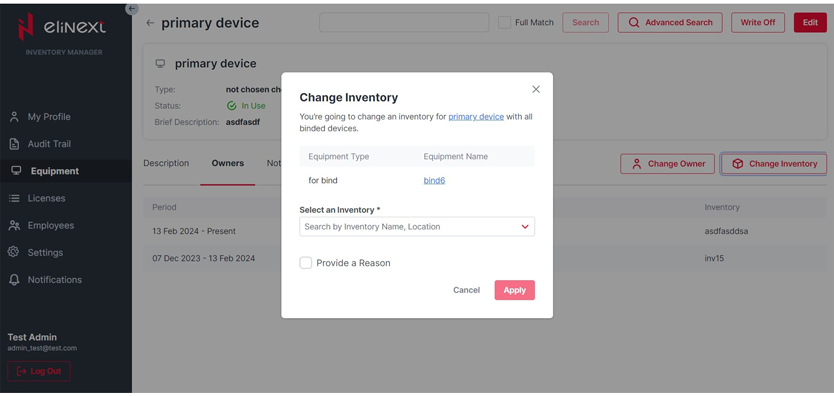
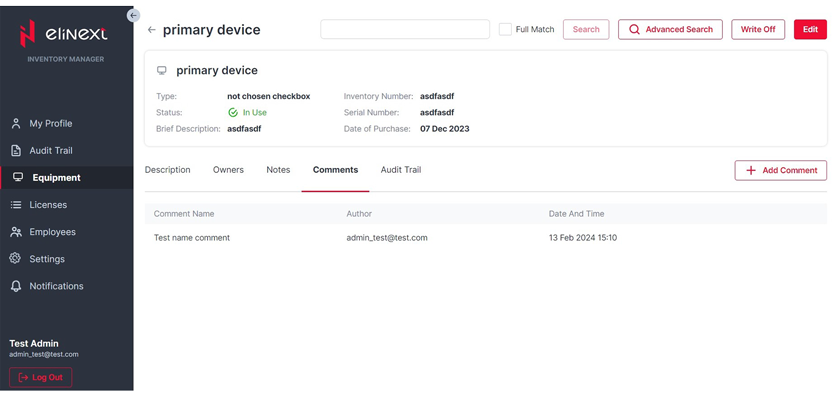
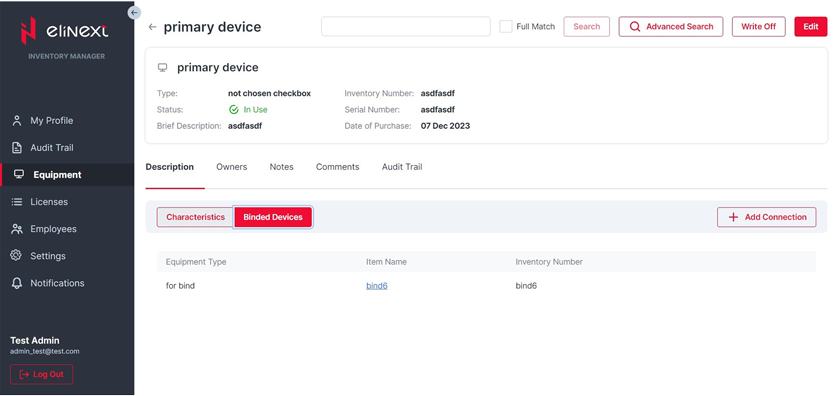
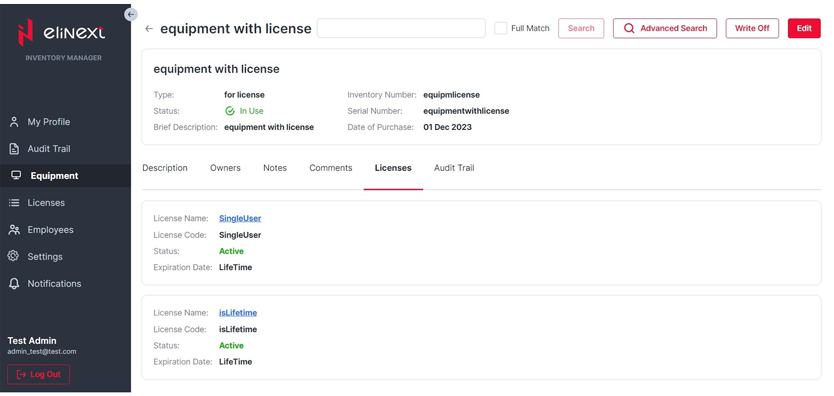
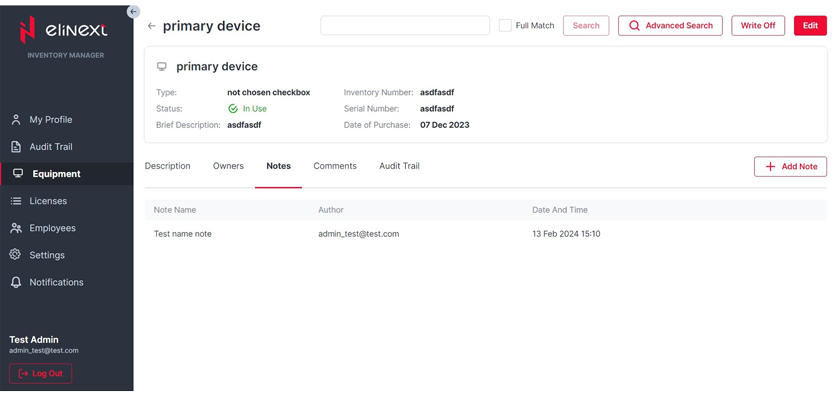
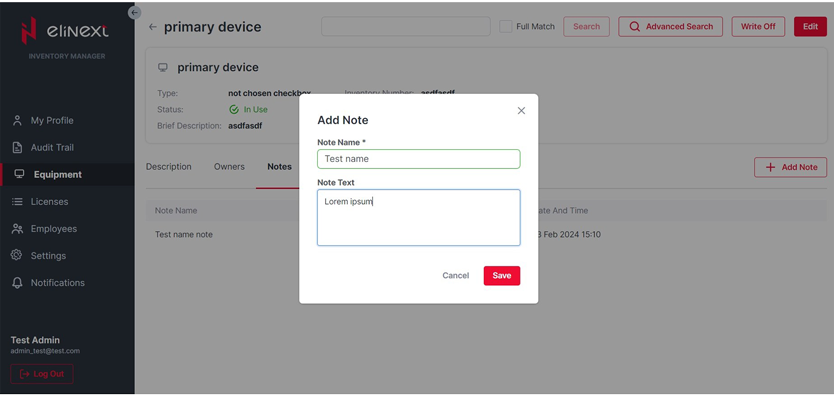
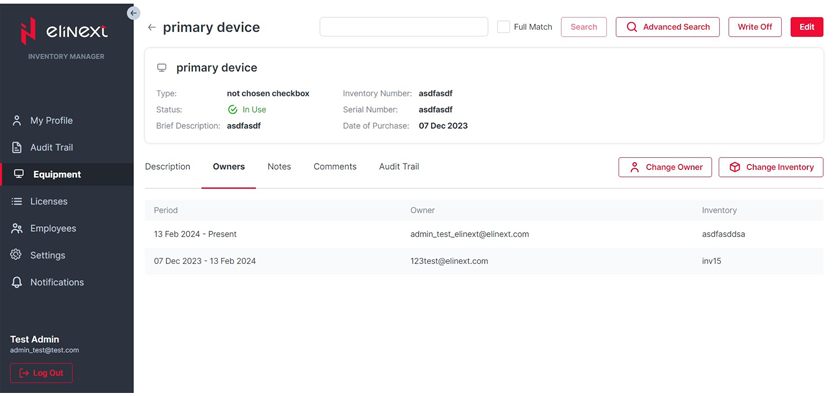
This module provides access to item details, connected device relations, ownership history, owner and inventory changes, notes, and comments for a specific item.
Module 5: Search
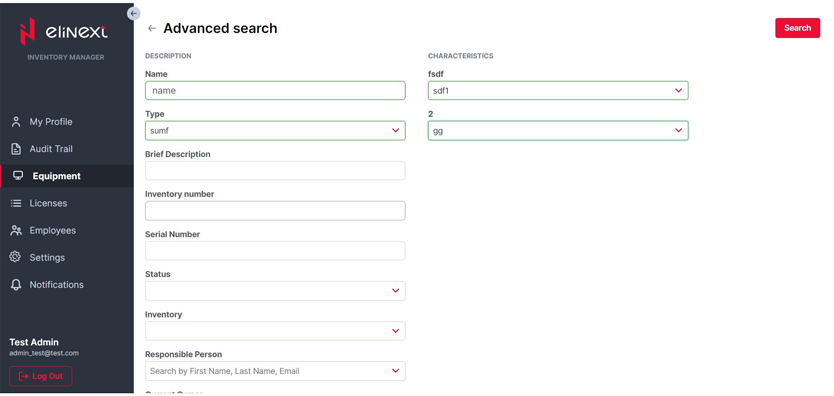
The search module supports full match search and advanced search by specified item fields, helping users quickly locate equipment and license records.
Module 6: Licenses
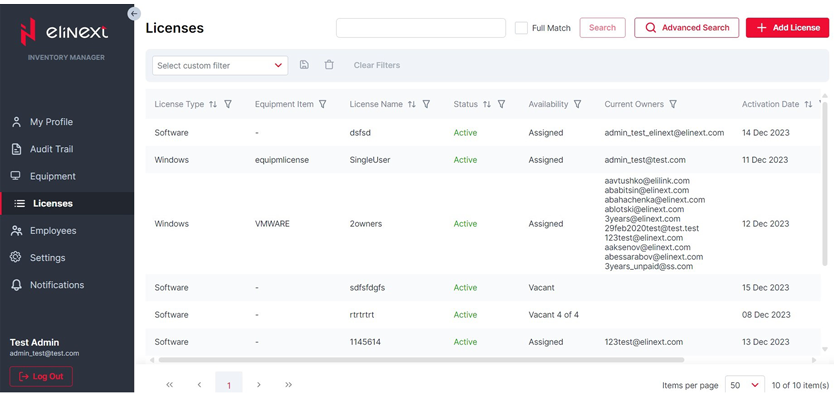
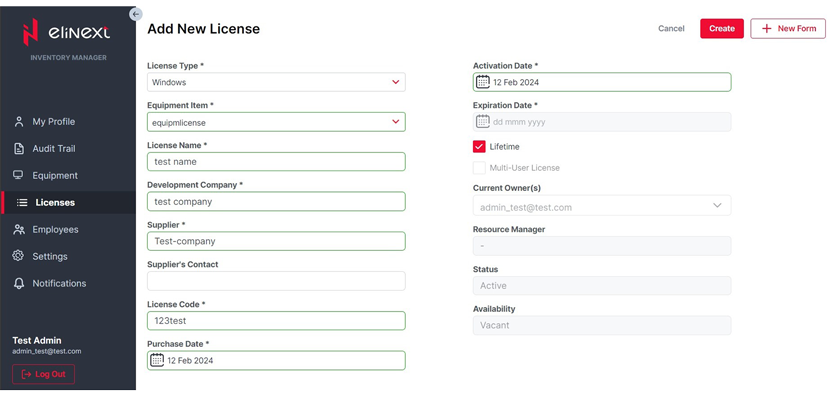
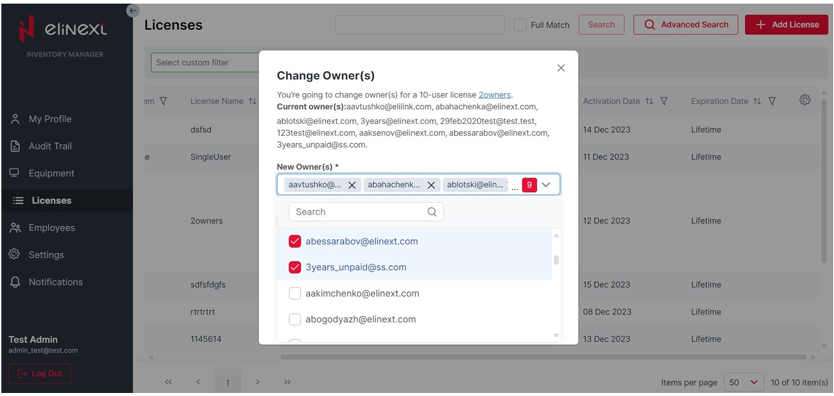
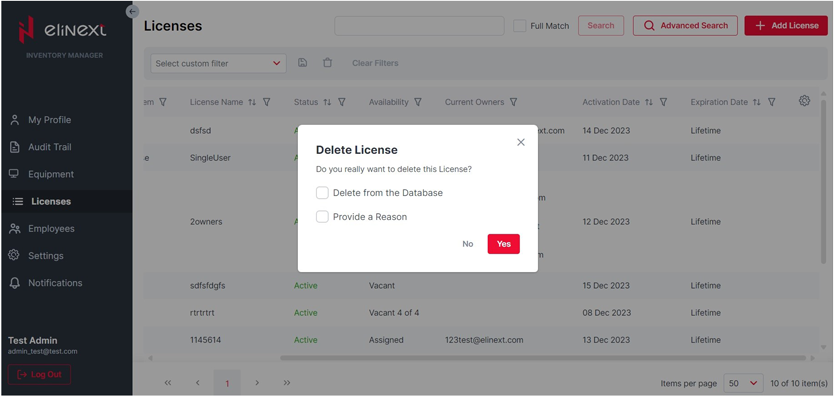
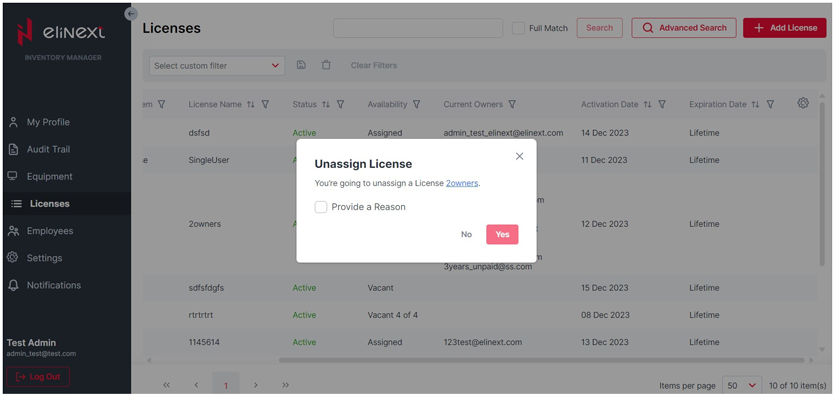
Most equipment item operations are also available for licenses, including adding, editing, changing owners, deleting, and unassigning licenses.
Module 7: License
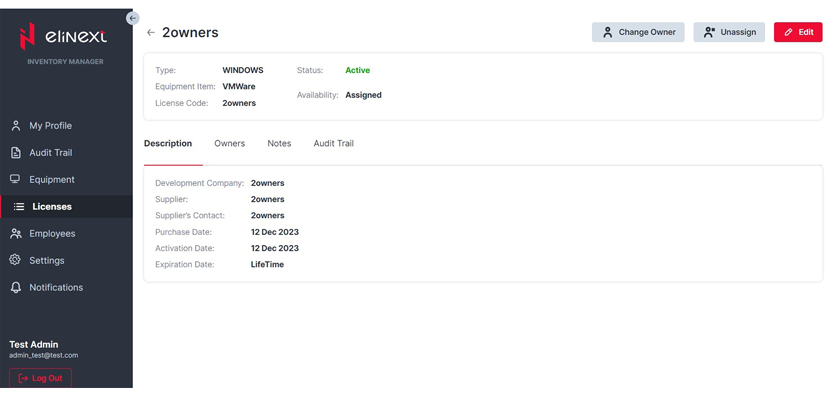
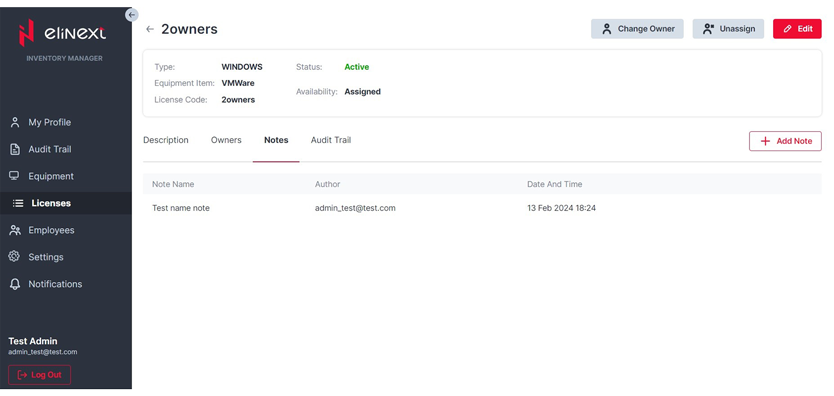
Users can open license details and add, view, edit, and delete notes and comments connected with a selected license.
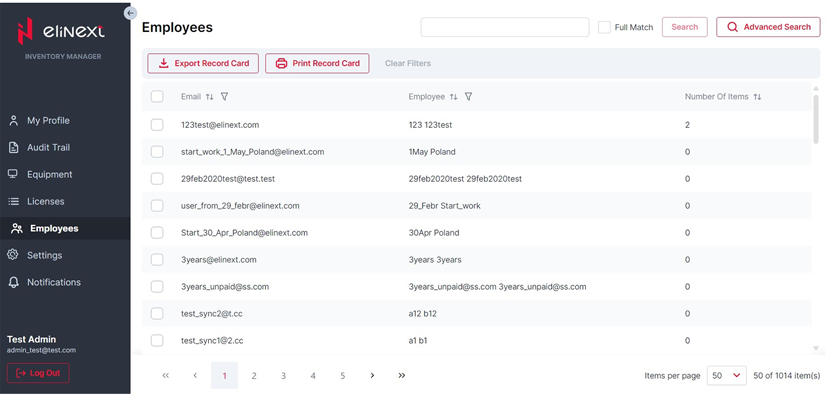
Module 8: Employees
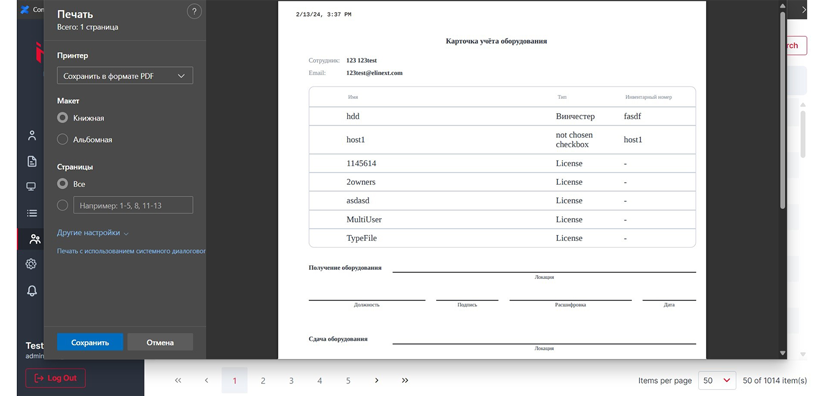
This module gives an overview of employees. Employee record cards can be exported, printed, and adjusted from the same interface.
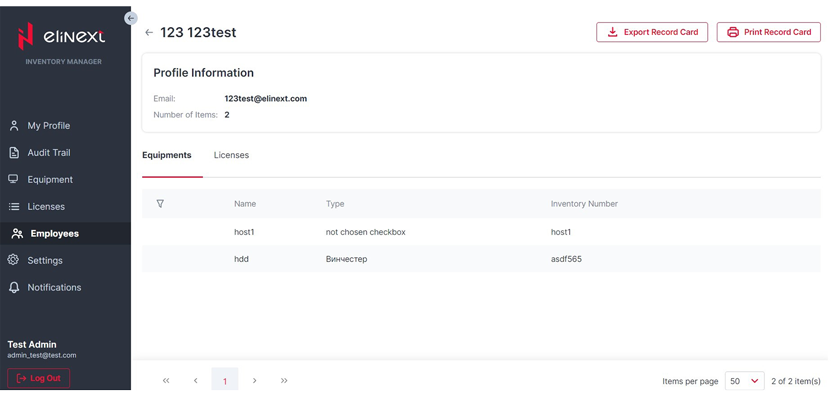
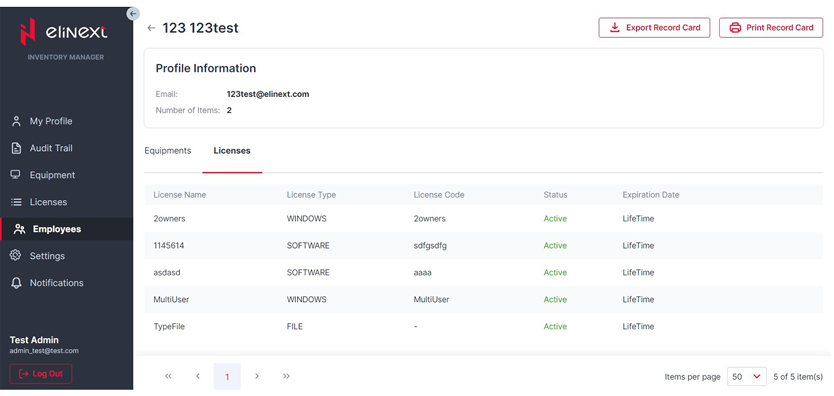
Module 9: Employee profile
A selected employee's equipment and licenses can be viewed from this profile module.
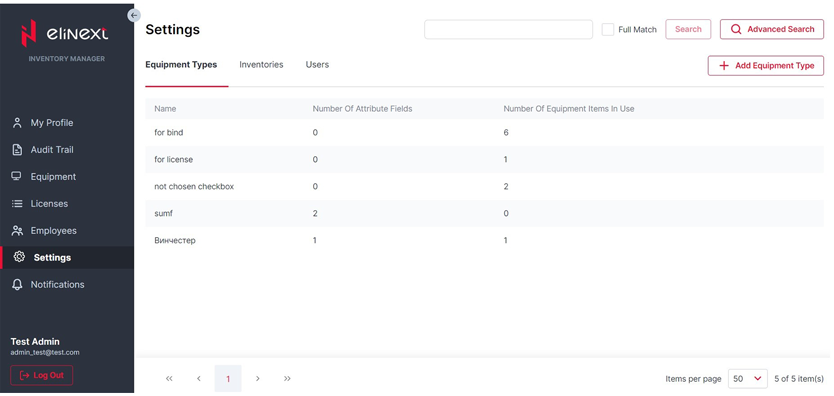
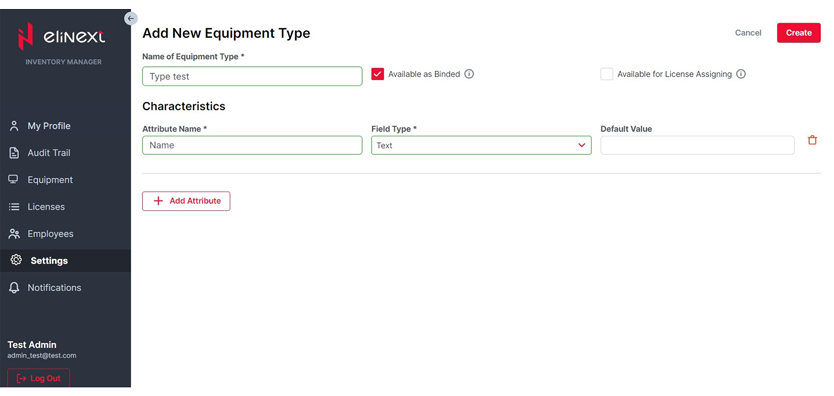
Module 10: Equipment types
Users can review available equipment types and add, edit, or delete equipment type records.
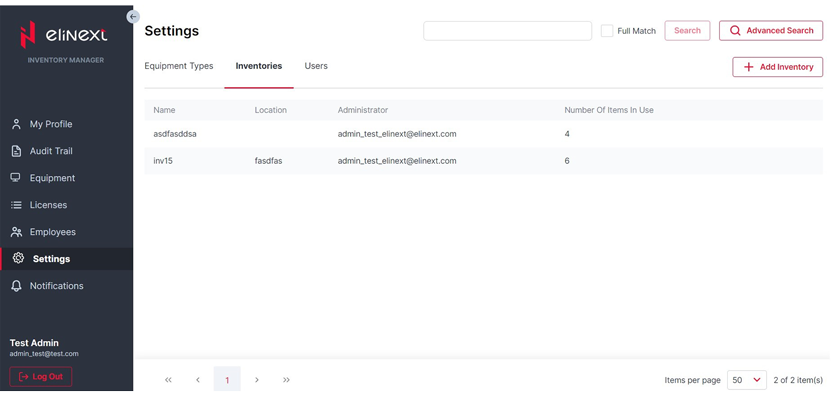
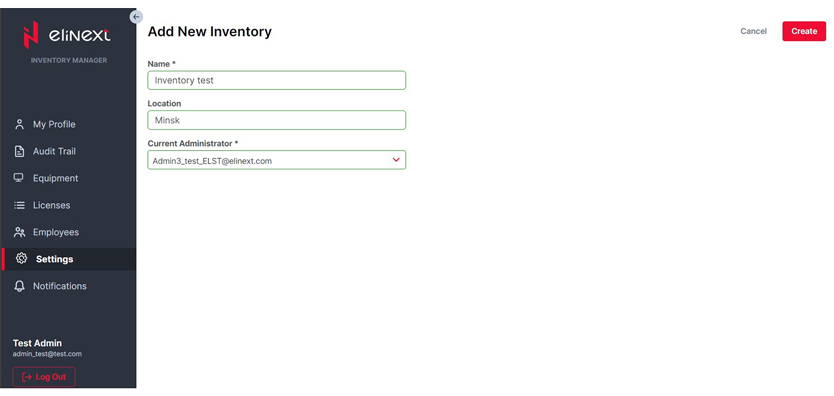
Module 11: Inventories
Users can review available inventories and add, edit, or delete inventory records.
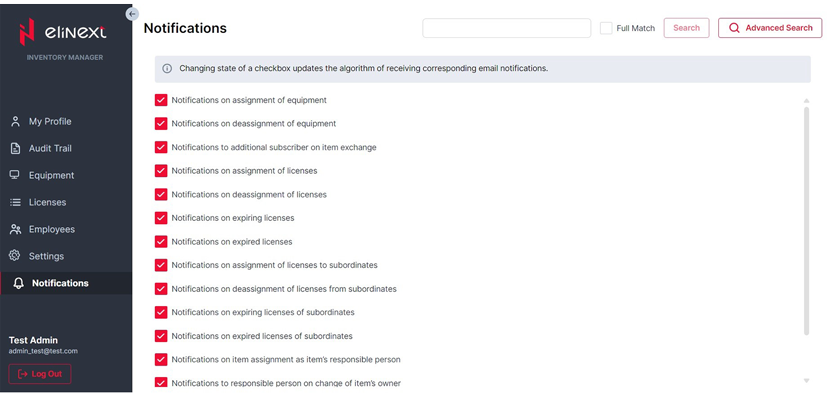
Module 12: Notifications
Users can receive email notifications about a defined list of application events.
Results
Elinext received a new software solution with several functional modules that, together with a user-friendly design and a single intuitive interface, make it possible to:
- streamline business processes and simplify asset management in one place
- reject manual asset recording in separate databases
- reduce the company's time expenditures
- offer employees a simple tool for controlling equipment items and licenses
- ensure accuracy and transparency in recording and tracking ownership history
- get prompt notifications on relevant events and react immediately
As this new web application is used as our asset management software, everyday work is now more efficient for each employee. Responsibility for assigned assets has increased, while the overall risk of losing or damaging equipment has decreased.
At the moment, the project is mostly completed and actively used in the company's everyday operations. The team is conducting satisfaction surveys with end users to define potential directions for further improvement.